
Patriot Voice Ai QR Code Generator
Please Click the button below to create a QR code to connect your Patriot Voice Ai to connect to the internet.
In the SSID section, please add your network name as shown below.

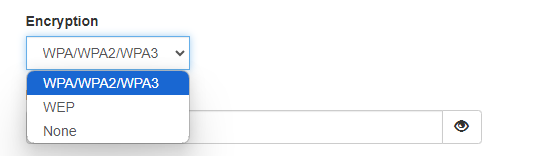
In the Encryption section, please choose the type of security of your network. (most common is WPA/WPA2/WPA3. Please check with your internet provider if you are not sure)
In the Key section, please put in your Wi-Fi password.

Then click on Generate.

After generate is clicked, you will now see a QR code. Located to the right of Generate, you will now see print. Please print the code.
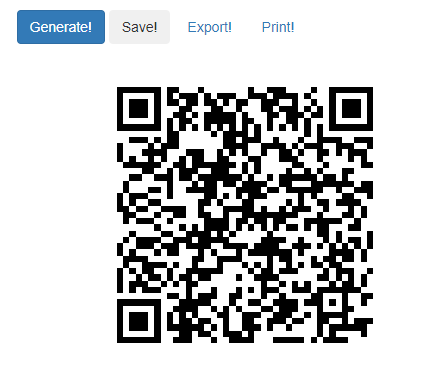
Long press the middle knob on the Patriot Voice Ai. You will hear "Press WPS button or place QR code" Place the QR code on the bottom surface and the Patriot Voice Ai will connect to the internet.
How to Connect your Patriot Voice Ai to the internet with WPS button
If you are using a WPS connection for the internet in the home, please follow these steps.
Long press the middle knob on the Patriot Voice Ai.
You will hear "Press WPS button or place QR code"
Located on your modem or router in your home, you will find a WPS button.
The logo of the button may look like this:

The Patriot Voice Ai will now connect to the internet.
Please keep in mind that not all modems/routers have this option. If your modem/router does not have this option, please see the instructions above to connect it with a QR code listed above.